

Worksheet
Reading Comprehension
Create a grade-leveled passage with annotation guidance and sequenced text-dependent questions.
Join our Facebook community. Join our Facebook community for back-to-school ideas and educator support. Join now
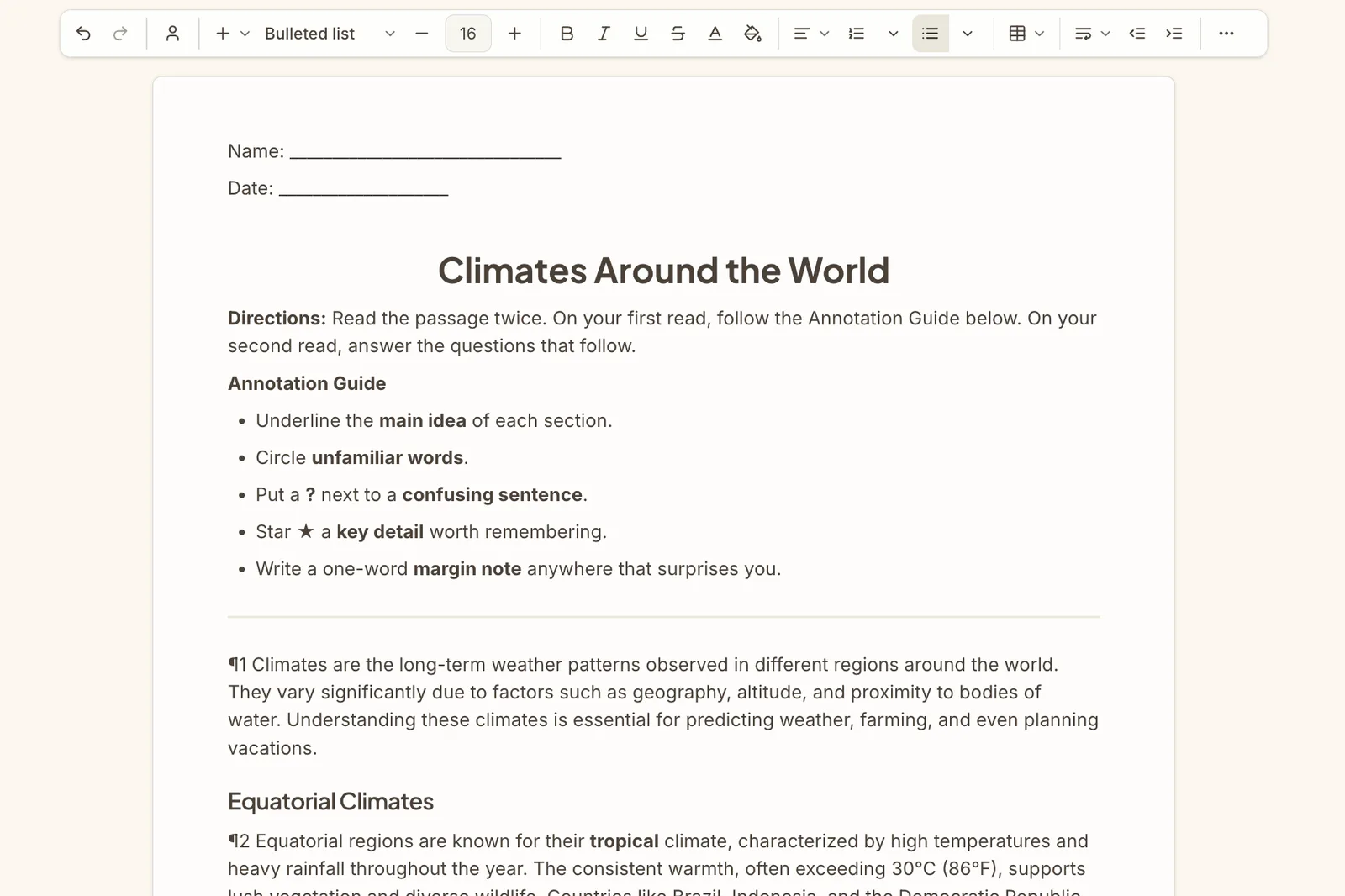
Create a grade-leveled passage with annotation guidance and sequenced text-dependent questions.

Create an encyclopedia-style text with titled sections and five review questions.

Create a structured note-taking guide with prompts and writing space for students.

Create a model essay with student review instructions and reflection questions to guide writing analysis.

Create a context-clues worksheet with a passage, meaning table, multiple choice, and sentence writing.

Create a flawed-essay worksheet where students use a rubric to identify errors and rewrite the draft.

Create a two-page extension worksheet with multiple choice, matching, true/false, and scenario questions.

Create a handwriting worksheet with guided tracing and scaffolded student practice sections.
Create a vocabulary worksheet with matching, fill-in-the-blank, and sentence writing for key terms.

Create a three-passage reading set with text-dependent questions and a synthesis section.

Create a CER worksheet with a data scenario, evidence table, claim, and reasoning response.

Create three passages on the same topic at above, on, and below grade-level reading bands.

Create a 12-question short-answer worksheet with progressive difficulty and a teacher guide.

Create a short decodable narrative with a phonics focus, irregular words, and teacher notes.
14
Worksheet formats
10
Reading and writing tools
4
Deliberate practice tools
Use this side of the library for passages, reading-response tasks, writing scaffolds, and analytical structures that attach directly to the content students are studying.
Reading ComprehensionInformative Text + QuestionsStudent Notes OutlineExemplar Essay ReviewKeyword AssignmentEssay RevisionUse these formats when students need structured repetition, retrieval, and reinforcement without rebuilding each practice sheet by hand.
Extension WorksheetHandwriting Practice WorksheetVocabulary Mastery WorksheetShort Answer WorksheetPick the format that fits the task, whether students need a passage to read, a writing scaffold, or structured practice.
Provide the lesson focus and any constraints that should shape the worksheet draft.
Review the first draft in the workspace, adjust the wording or supports, and export the final handout when it is ready.
Faster first drafts
Start with worksheet structures that already match common classroom tasks instead of building from scratch.
Closer lesson alignment
Generate worksheets that reflect the topic, objective, and demands of the lesson students are actually in.
Reusable worksheet formats
Keep working from repeatable formats you can adapt across units, classes, and support levels.
Start with an objective, a topic, or a source. Leave with classroom-ready materials you can teach from.