Solutions

AI Graphic Organizer Generator

Use Eduaide's AI graphic organizer generator to create editable, printable templates and worksheets for compare/contrast, sequencing, concept mapping, and vocabulary instruction.
Fanned graphic organizers preview
Template Library

Explore AI Graphic Organizer Templates

Explore the complete graphic organizer library you can build in Eduaide, from KWL charts and Venn diagrams to concept maps, timelines, and mind maps. Each organizer includes configurable options so you can differentiate supports, rigor, and output style for any classroom context.
KWL Chart organizer preview

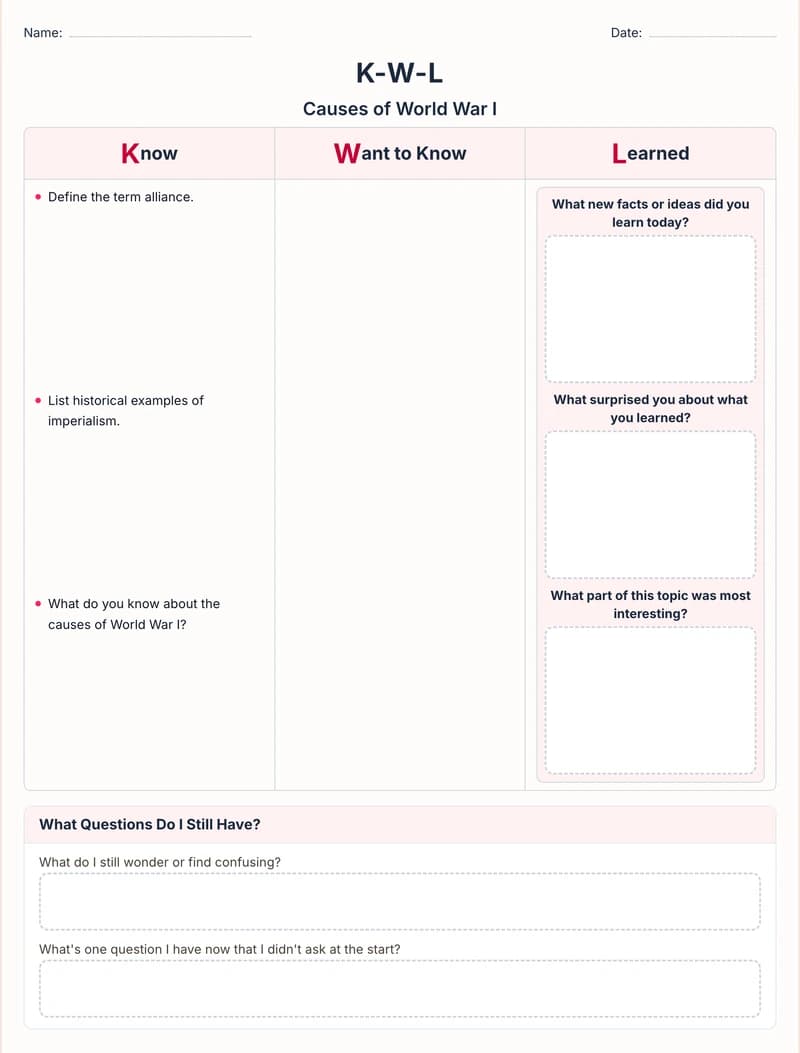
KWL Chart

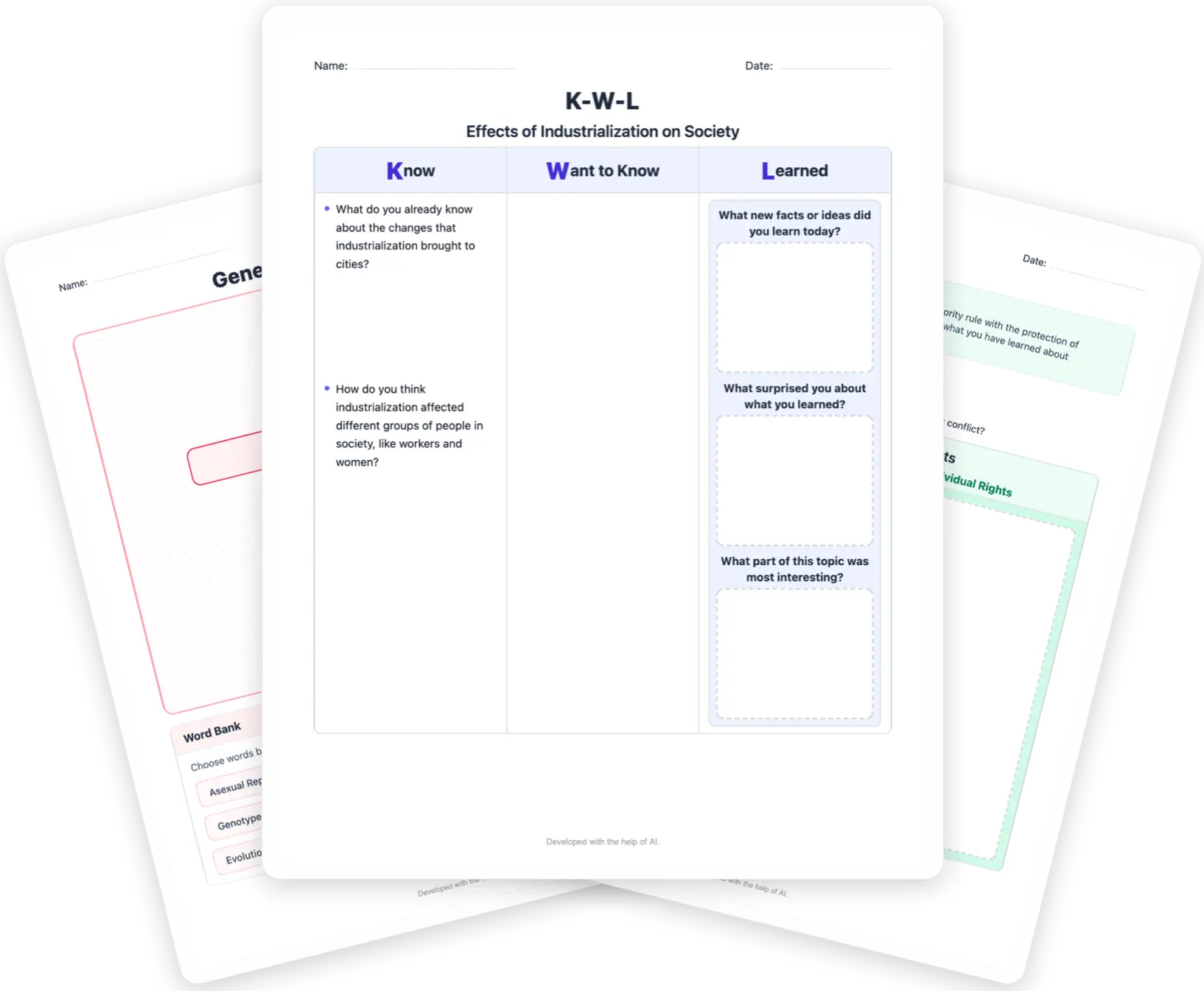
Create a KWL Chart to activate prior knowledge, get students thinking about the day's lesson, and, at the end, reflect on what they learned. On one graphic organizer, students record what they Know about the topic, what they Want to Know, and what they Learned. You can customize the worksheet with toggles for a How Will I Find Out? research section, partner collaboration, and reflection activities.

Customization Options

  • Add an H section when students need to plan how they will find answers.
  • Turn on collaboration prompts for partner or small-group discussion.
  • Include reflection prompts so students revisit what they still wonder and learned.
Venn Diagram organizer preview

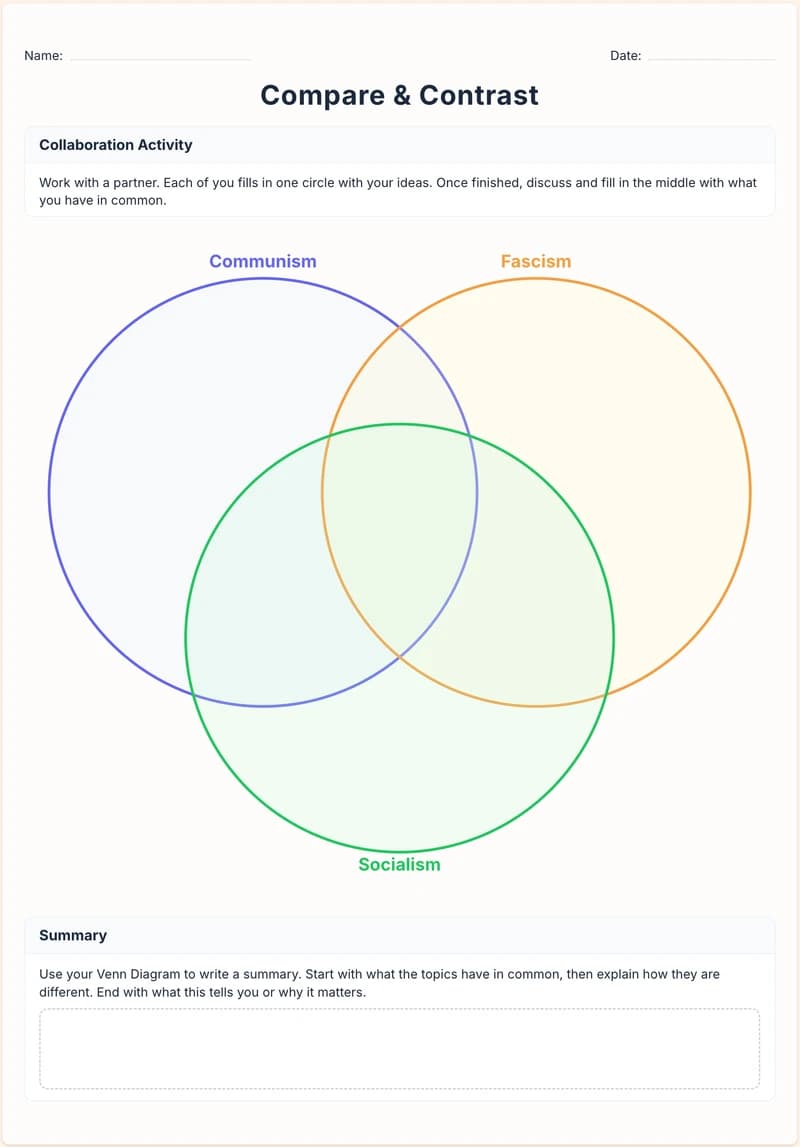
Venn Diagram

Create a Venn Diagram that helps students compare and contrast ideas by sorting similarities and differences visually, and then turning that thinking into writing. Choose a classic two-circle layout or toggle on a third circle for three-way comparisons. You can also toggle on partner-activity instructions for collaborative comparisons and synthesis tasks.

Customization Options

  • Switch to three circles when students need a 3-way comparison.
  • Add a summary prompt so students move from sorting to written synthesis.
  • Enable partner directions for collaborative compare-and-contrast work.
Frayer Model organizer preview

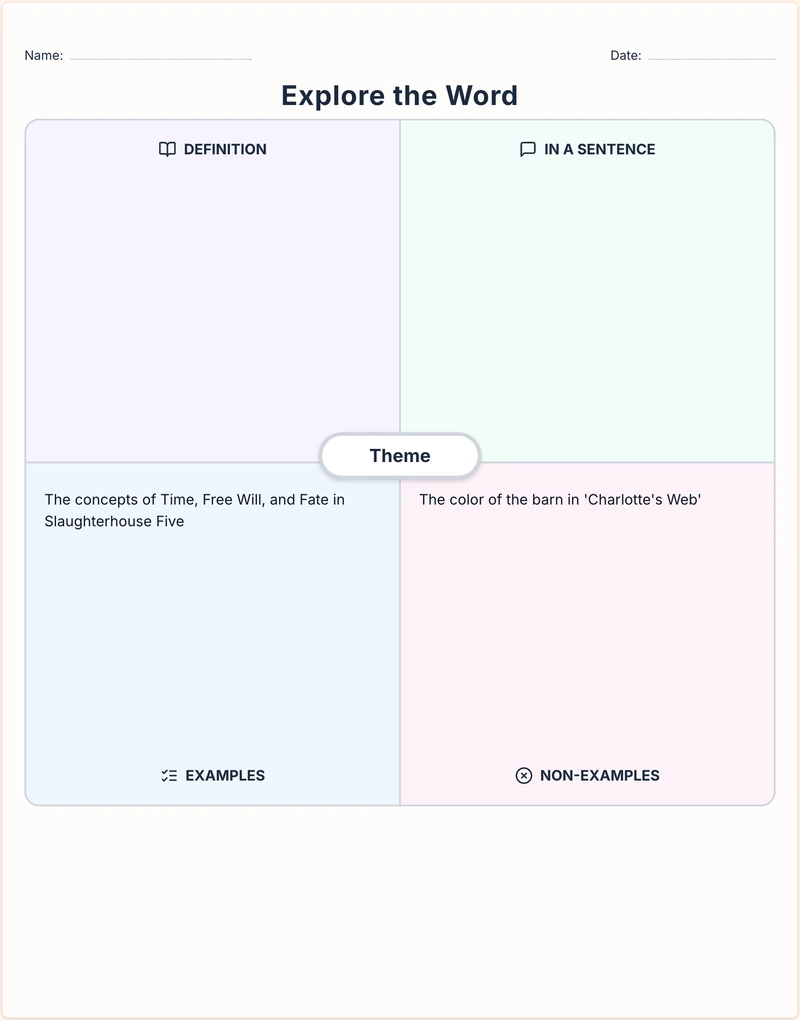
Frayer Model

Create a Frayer Model to support the acquisition and application of key vocabulary. Students capture a term's meaning and meaning-making details in a structured format. Customize the organizer with toggles to change the quadrant labels like Synonyms/Antonyms or Example/Non-Example. You can also add reflection prompts and even a drawing space. A Frayer Model is a high-impact vocabulary graphic organizer for word study, concept development, and ESL/ELL support across K-12 content areas.

Customization Options

  • Choose the quadrant style (for example, Example/Non-Example).
  • Add reflection prompts to deepen vocabulary understanding.
  • Include drawing space when students benefit from visual processing.
Marking the Text organizer preview

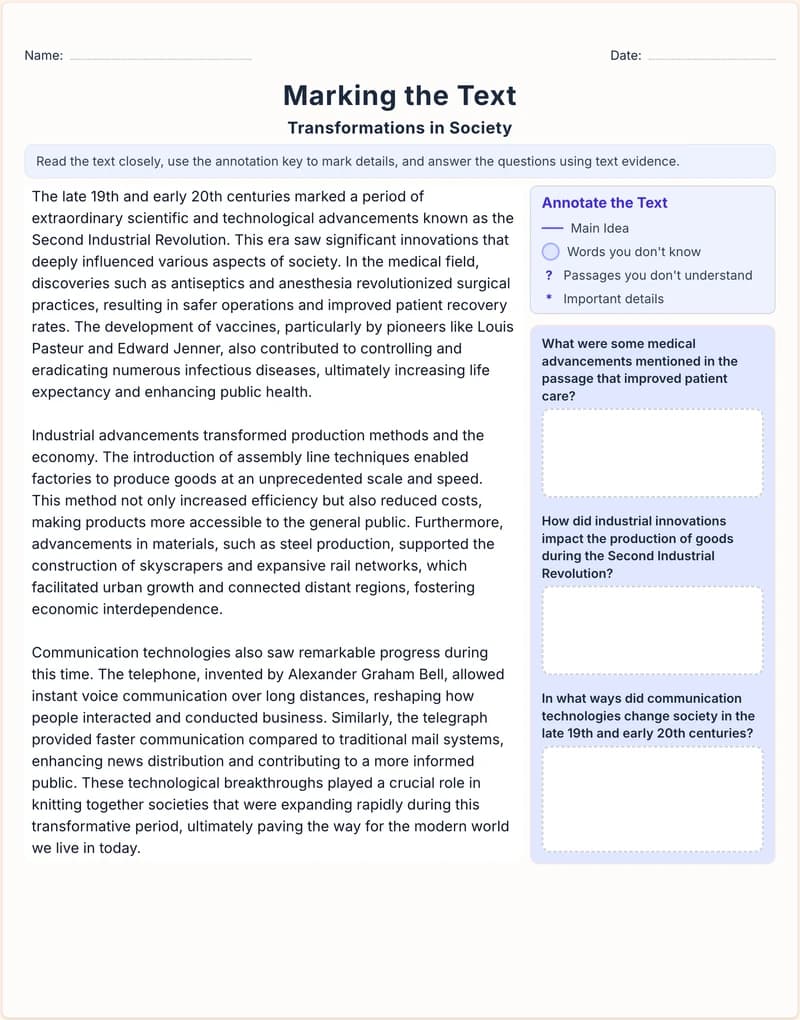
Marking the Text

Create a "Marking the Text" activity that builds close-reading habits students can use in any class. Students annotate the passage for meaning (main idea, unfamiliar vocabulary, confusing sections, important details) and respond to questions using evidence from the text, turning reading into visible thinking. Customize with toggles for various 3-2-1 question sets aligned to your specific goal (Comprehension, Reflection, Analysis, Writing Prep, or Retrieval). A powerful annotation and reading comprehension graphic organizer for text analysis, vocabulary growth, and evidence-based responses across grade levels.

Customization Options

  • Pick a 3-2-1 question mode based on your lesson goal.
  • Adjust prompt style for grade level and reading readiness.
  • Hide extra prompts to keep annotation tasks focused.
T-Chart organizer preview

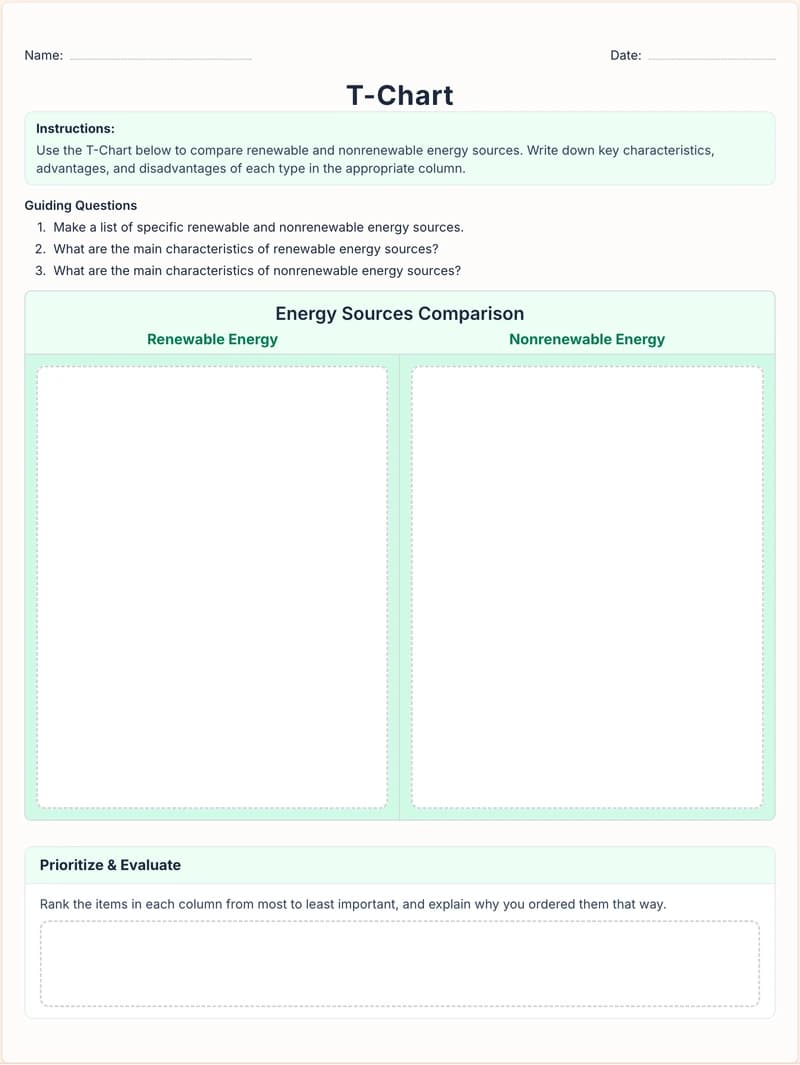
T-Chart

Create a T-Chart that gives students a simple structure for rigorous thinking. Using two simple columns, pros/cons, claim/evidence, cause/effect, or any pairing you choose. Ideal for character analysis, paired texts, scientific classification, and historical comparisons from elementary through high school. Add optional parenthetical hints to scaffold each column. Toggle on activities like ranking and evaluation (ranking each item, starring the most important item, and explaining why) and collaboration (compare with a classmate). A versatile T-chart graphic organizer template for discussion, writing prep, and critical thinking across K-12.

Customization Options

  • Add hints in each column to scaffold student thinking.
  • Turn on Compare and Conclude for stronger written takeaways.
  • Enable partner comparison to support discussion and revision.
Sequence of Events organizer preview

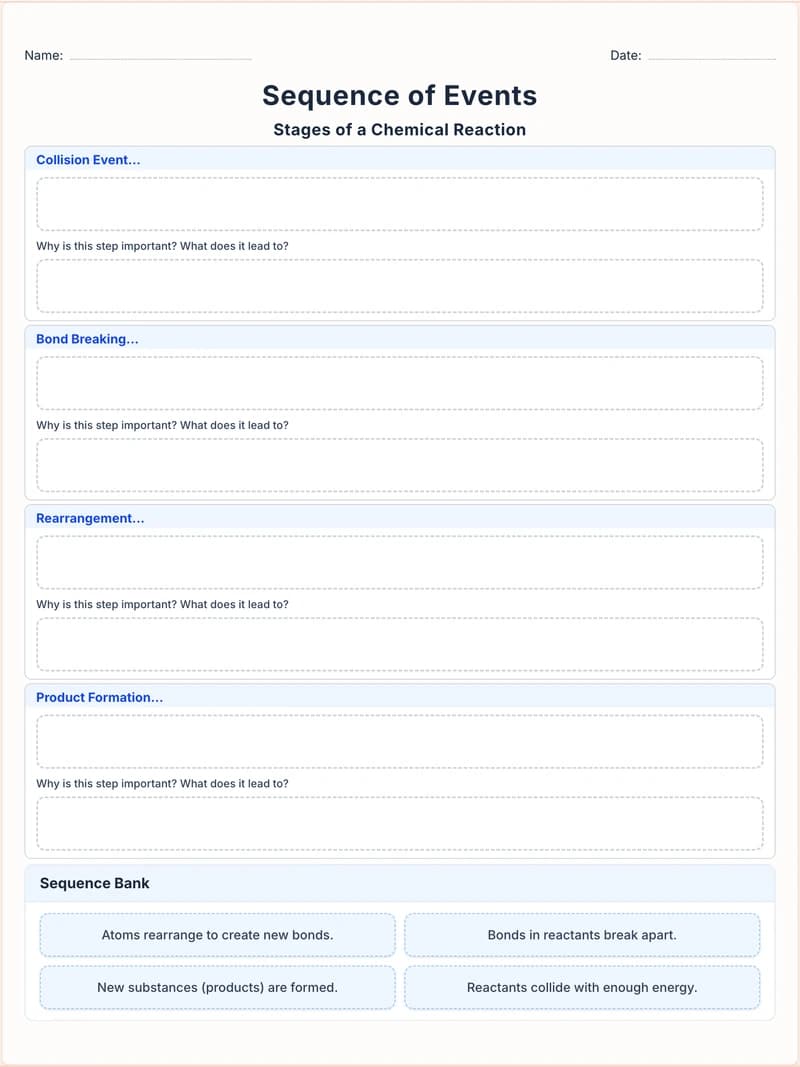
Sequence of Events

Create a Sequence of Events organizer that helps students place key events or steps in chronological order, and explain the thinking behind the order. Toggle on a randomized event bank, and add elaborative prompts in each box (Why is this step important? What does it lead to?) to strengthen cause-and-effect reasoning. You can also customize the step labels and events (beyond First/Next/Then/Finally) to match any process, procedure, or storyline. Perfect for story retelling, plot analysis, historical processes, scientific procedures, and sequencing skills at any grade level.

Customization Options

  • Turn on a sequence bank for students who need extra structure.
  • Add cause-and-effect prompts inside each event box.
  • Use alternate labels to match specific processes or routines.
Concept Map organizer preview

Concept Map

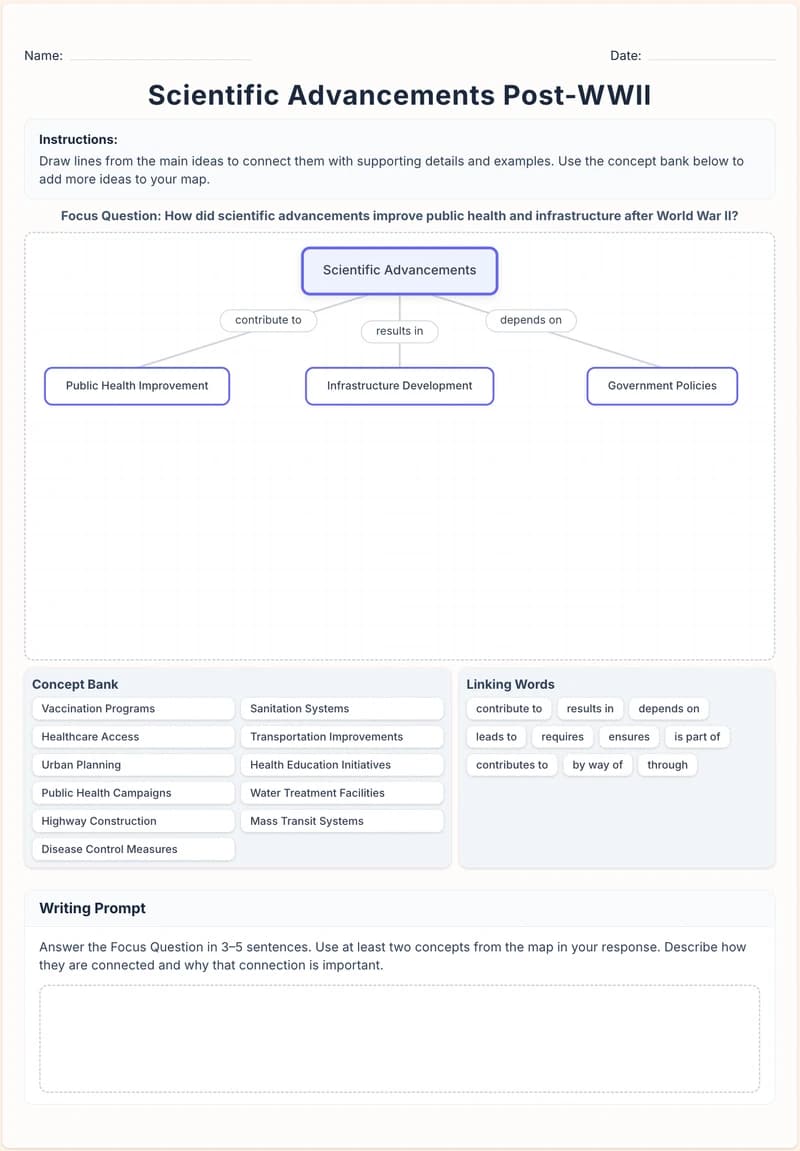
Create a Concept Map template that helps students visualize content relationships. Use it for brainstorming, unit overviews, and study guides. You can customize the activity with toggles to add sections of reflection questions or optional writing activities that ask students to answer questions using concepts from their map. You can also switch instructions to support collaborative group work.

Customization Options

  • Add reflection questions to check understanding after mapping.
  • Include a writing prompt to connect the map to academic writing.
  • Enable group-work directions for collaborative concept building.
Timeline Activity organizer preview

Timeline Activity

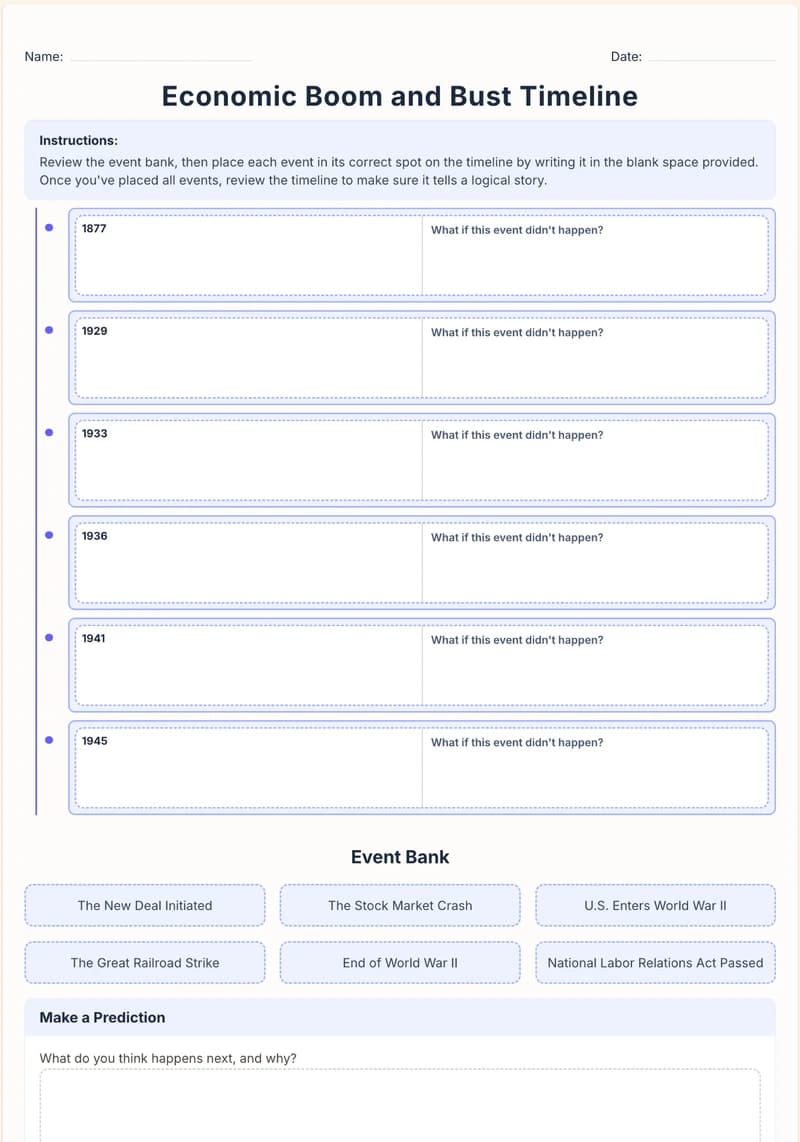
Create a Timeline Activity in which students use an event bank to place events in sequence, all the while explaining their reasoning. Toggle instructions that tease out cause-and-effect relationships, add a prediction activity, or include opportunities for counterfactual thinking. An engaging timeline graphic organizer for history, biography, and research projects in grades 3-12.

Customization Options

  • Highlight cause-and-effect instructions when analyzing historical change.
  • Add prediction prompts to extend thinking beyond recall.
  • Include counterfactual prompts for deeper discussion and reasoning.
Mind Map organizer preview

Mind Map

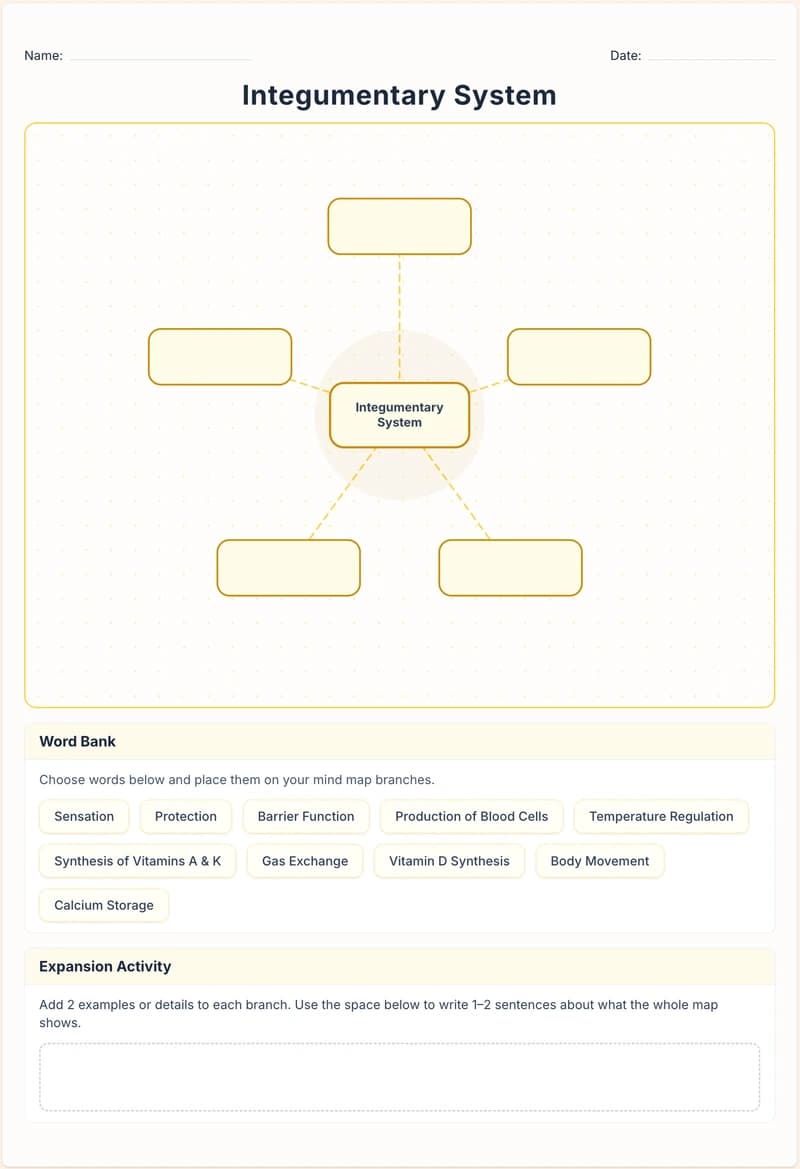
Create a Mind Map that grows one central idea into a web of connected branches. Typically used for brainstorming, note-taking, and review, you customize it with toggles that change the activity's nature. You can add a word bank that mixes correct options with distractors, prompt students to add examples and explanations beside each branch they place, and include a section where they connect related nodes and explain what they have in common. You can also toggle on check-for-understanding questions to make it a complete formative assessment tool. A versatile mind map graphic organizer template for vocabulary exploration, unit previews, test review, and prewriting across K-12.

Customization Options

  • Add a word bank to support vocabulary and concept recall.
  • Enable expansion prompts so students add examples and details.
  • Include comprehension checks for quick formative assessment.
Design Controls

Customize the Look and Keep Full Control of Every Output

Shape each organizer to match your classroom style, then fine-tune every detail before you share. From visual themes to final wording, you stay in control of what students see.

Set your visual style in one click

Choose a theme to keep handouts, slides, and digital activities visually consistent across your lesson materials.

Red
Indigo
Green
Blue
Yellow
Gray

Edit every detail before you publish

Every generated organizer is fully editable. Rewrite AI text, add your own prompts, adjust scaffold level, and finalize the exact version you want students to use.

Where Good Ideas Become Great Lessons

Start with an objective, a topic, or a source. Leave with classroom-ready materials you can teach from.